
(Decisions)
Key decisions stay with the company. It decides which quotations, customer outreach and published content need approval, and who approves them. Payments, official filings and professional reviews always stay with authorized people.
(Results)
Results can be checked. Who did what, who approved it, whether the result met the requirement and where a failure stopped are all on record. Submitted is not finished until the result is checked.
(Connect)
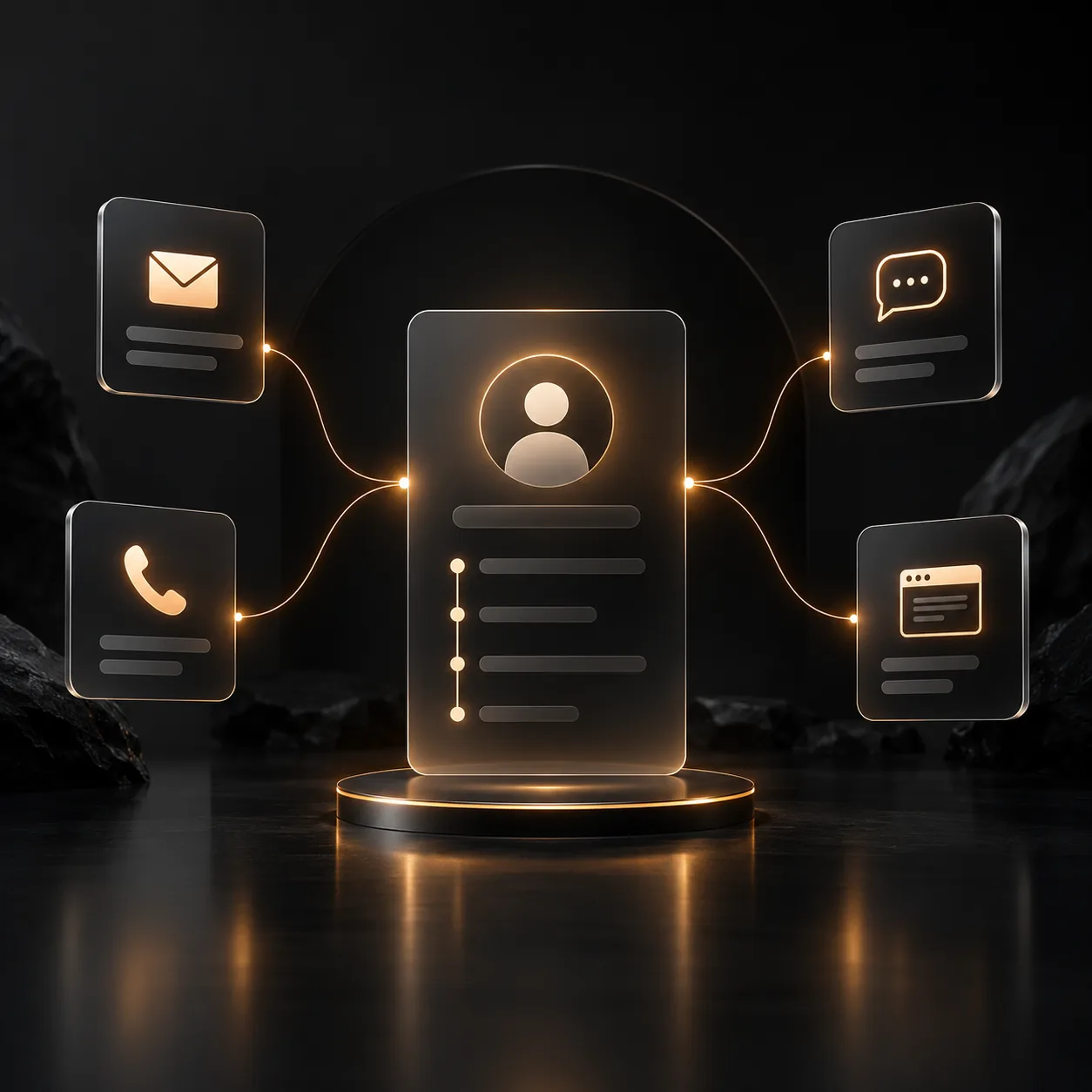
Connect the business you already run. With company authorization, email, customer records, product knowledge, ERP and shared drives join one workflow, one connection at a time. Replacing current software is not assumed; what to keep, connect or adjust is agreed with each company.
(Oversight)
Watch the business, not just AI conversations. Opportunities, orders, tasks, exceptions, costs and pending approvals reach managers by owner and deadline, so the decisions that matter come first.
(The owner’s cockpit)
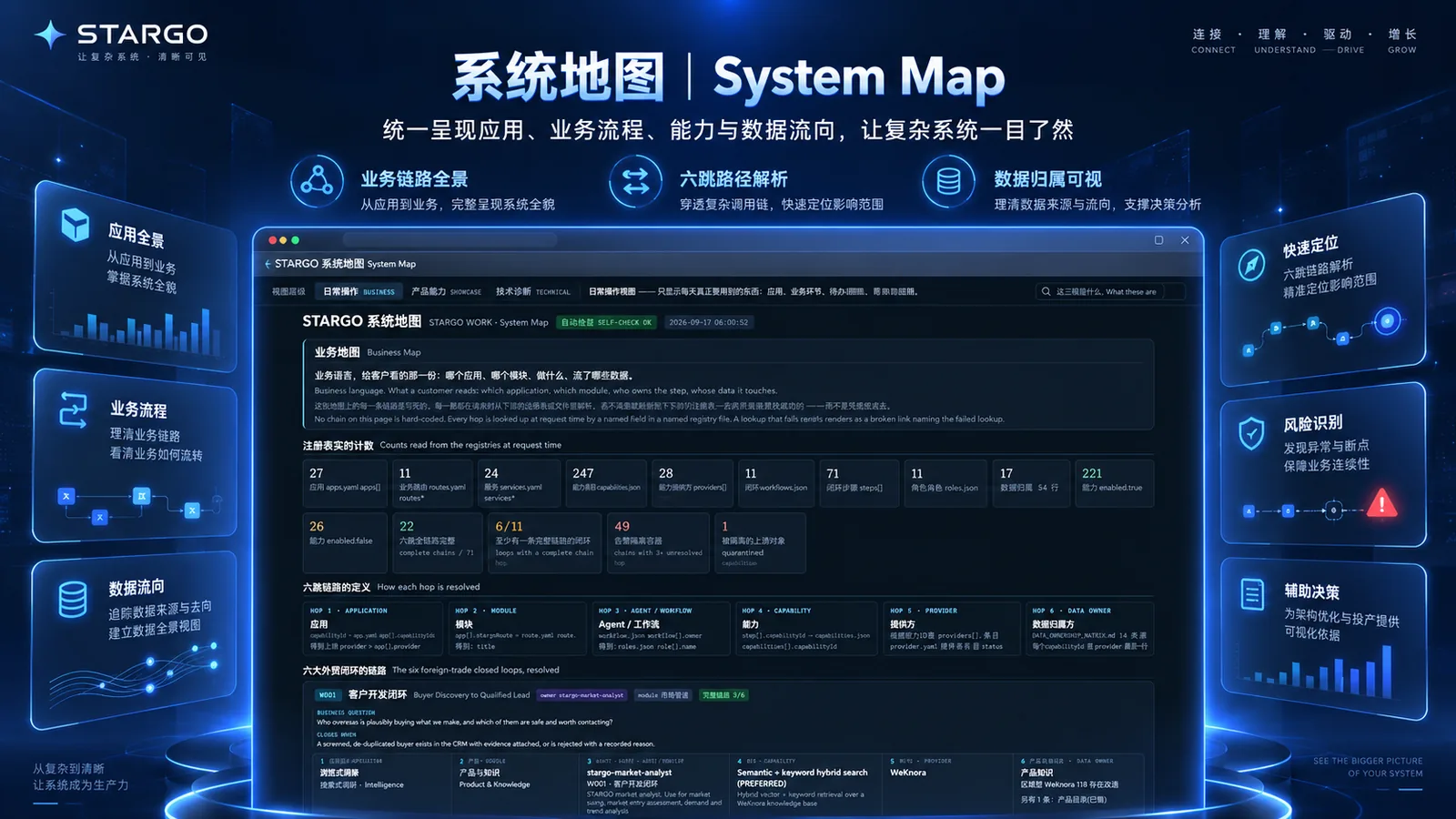
Managers need more than busy AI: who is doing what, what it costs, and where each customer and order stands. The cockpit brings opportunity progress, delivery status, usage and budget limits, pending approvals, task owners, blockers and actual results together. Figures come only from connected systems; anything missing is shown as missing. Visible, controllable, traceable.
(Delivery steps)
01Choose one workflow: set the goal and acceptance criteria.02Prepare company context: products, customers, knowledge and rules.03Connect authorized accounts: what may be read, changed or needs approval.04Configure roles and approvals: who does the work, who signs off.05Validate actual results against real cases.06Expand the scope: prove one workflow, then choose the next.
(What the numbers count)
288
specialized AI roles that team up by task, working within the permissions and budgets the company sets.
13
management controls: application access, account and role permissions, approval of key actions, activity and approval records, secure keeping of sign-in credentials, work limits for AI roles, data kept apart between companies, stop and report on failure, small trials before wider use, reversal when results fall short, result checks, visible progress and human takeover.
3
deployment options: browser-based cloud, a dedicated enterprise environment or private deployment, confirmed with each enterprise. Service levels are an Enterprise-plan item agreed per project.



(The principle)
Five management components (5)

Capability & app management
(Enabled applications, available work, missing setup, usage and budget limits)

Account & role permissions
(Who may read information, and who may change records)

Approval of key actions
(Quotations, outreach and important commitments go to authorized reviewers)

Work & result records
(Actions, approvals and whether actual outcomes meet the requirement; failures stop and pass to a person)

Linked accounts & protection
(Business accounts connected through authorization, with no access for roles that do not need it)
(Scope and boundaries)
Management and control foundations exist; dashboard figures, automated and cross-system actions and advanced analytics depend on verified data connections. Other capabilities open in phases, by configuration and agreed scope, and opening an application does not mean the whole workflow has been accepted. Deployment, service scope and data requirements are agreed separately, not assumed by default. Payments, official filings, contract and compliance reviews stay with authorized people or the relevant institutions.
(Connected per authorization · confirmed item by item)
Connections(6)
(Area)
(What can connect)
(Confirm first)
(Contact us)
Let’s talk.
By contacting us, you accept our Terms and Privacy Policy.