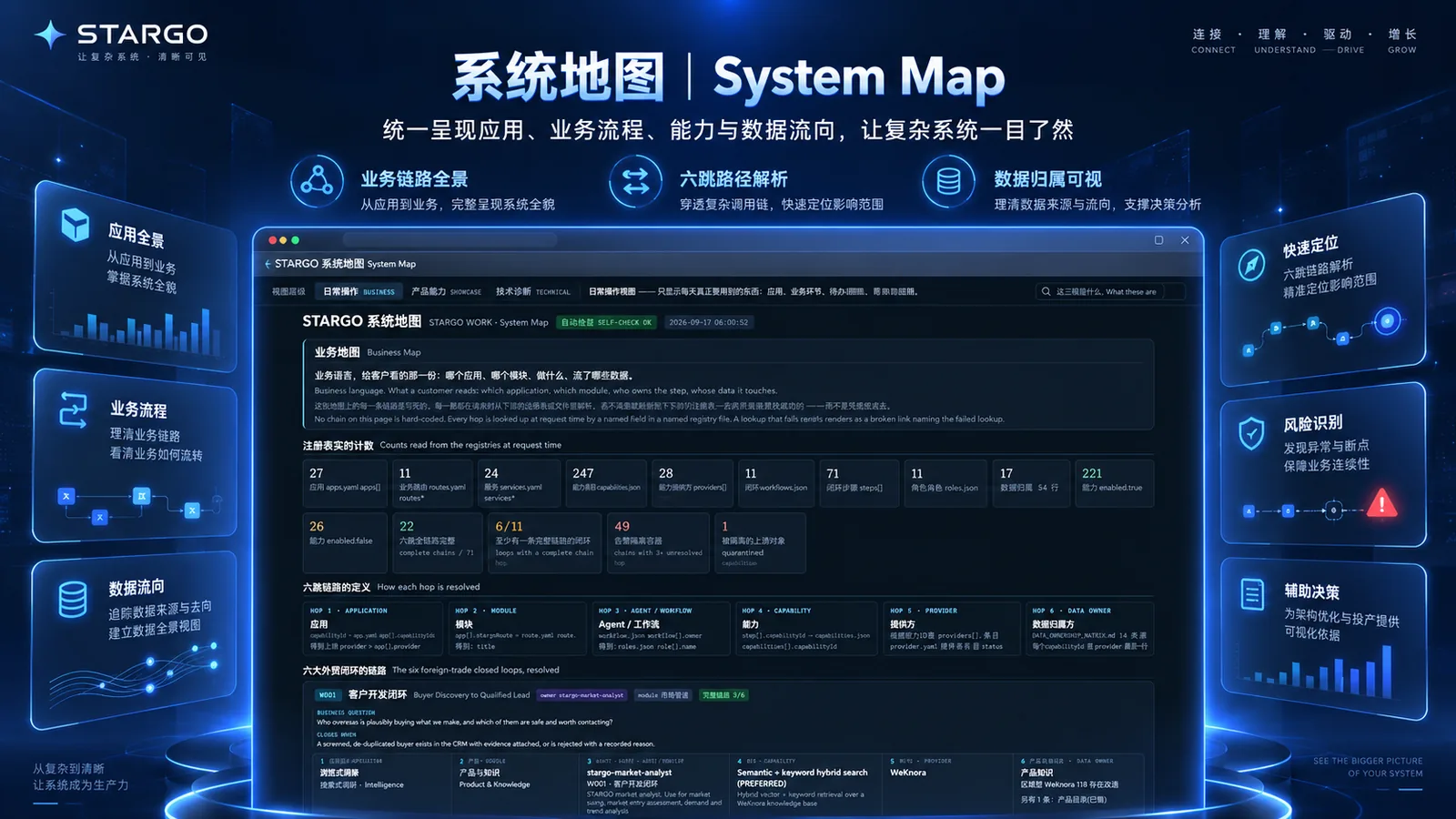

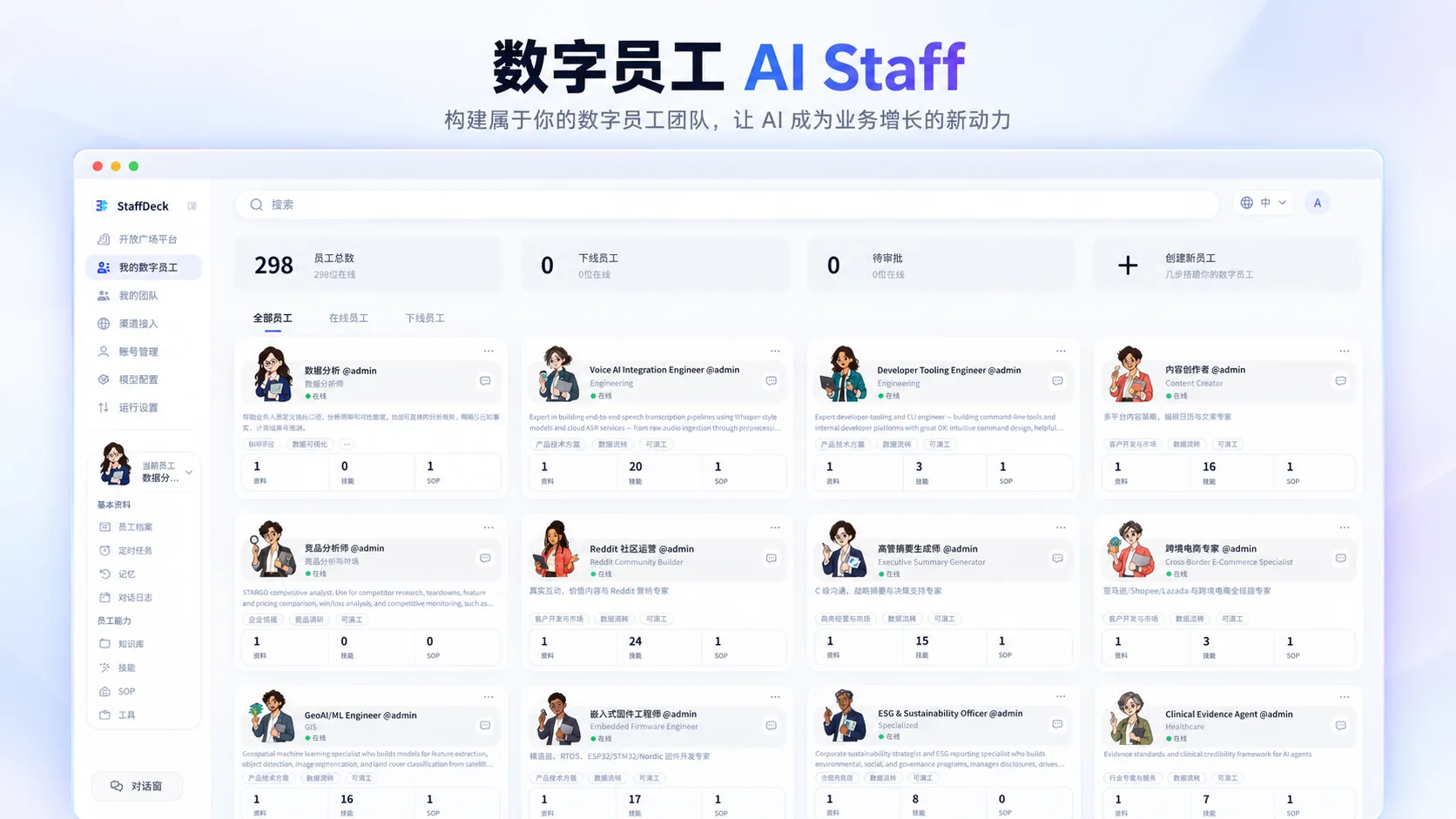
288 specialized AI roles.
Build the team your task needs.
This is more than a trade-sales team or 288 identical chat windows. Specialized roles span enterprise support, marketing, sales, service, compliance, supply chains, finance, operations, product and engineering, and professional services. 288 is the role-directory count; activation depends on configuration, budget and access.


.svg)

.png)

.png)

.png)

.png)
Roles, teams and a desktop

Teams formed by task
Choose employees by role, skills, enterprise knowledge, access and task complexity, and give each member a clear job in research, sales, product, content or data.
.png.webp)
Delegate and approve
Set a business goal, choose employees or a team, inspect tasks and results, and approve key actions. People take over when judgment or an exception calls for it.
Browser desktop and AI office
Open business apps, work with files, call on AI employees and connect authorized business accounts in one browser desktop. The browser comes first: voice, automation and external actions depend on the scope enabled, and desktop clients, mobile and mini-programs are phased in.
- Business apps, files and assets
- Spreadsheets, documents and reports
- Voice requests turned into tasks
- Authorized web tasks and connected accounts


.png.webp)
AI with a job
Each role can be configured with responsibilities, skills, enterprise knowledge, permitted tools, access, tasks and run history: a defined job, carried out with company context and within a clear scope.

Handoffs on record
Owners, deadlines, task status, results and next steps are recorded, so work can continue after a pause or a human takeover, and each member's work is consolidated into a handoff-ready result. Sharing task context does not open all company data or pass on another role's permissions.
Ten role groups. One task-focused AI workforce.
A role needs responsibilities, skills, enterprise knowledge, permitted actions and work history. Choose specialists by what the task requires and what they are authorized to do—not by title alone.
Set the business goal → Select employees or a team → Assign work → Inspect outputs → Approve key actions
Enterprise essentials
15
roles
Customer development & marketing
50
roles
Sales
16
roles
Customer service
5
roles
Compliance
20
roles
Supply chain
4
roles
Finance
14
roles
Operations
19
roles
Product & engineering
129
roles
Professional services
16
roles
Total
288
roles
288 is the size of the role directory: specialized roles you select, configure, assign and team up by task. It is not a claim to replace 288 people. The employees enabled, the size of a collaboration and permitted actions depend on configuration, budget and access.
Illustrative scenario · 01
Set the goal, assign the roles
.png.webp)
.png.webp)
.png)
.png)

Illustrative scenario · 02
Share information, work in parallel
Check the product specifications.
Supporting product-benefit information has been added.
This commitment needs an authorized reviewer.
Illustrative scenario · 03
Check the results, then a person decides
One goal, one team.
Roles
.svg)
Teamwork
Review
Complex work can be assigned to a bounded team of AI employees. What matters is information exchange, clear ownership and reliable handoff, not the number of chat windows. Illustrative scenario: entering a new target market. Research can hand specification questions to a product specialist. Sales uses the findings to refine outreach, while creative specialists prepare relevant assets. A coordinator consolidates outputs and unresolved questions for the responsible person to review. Collaboration rounds, budgets and permitted actions are limited, and human approval, pause and takeover remain available.
A shared goal, connected work and a coherent result.
Stories
we write and share
STARGO
STARGO